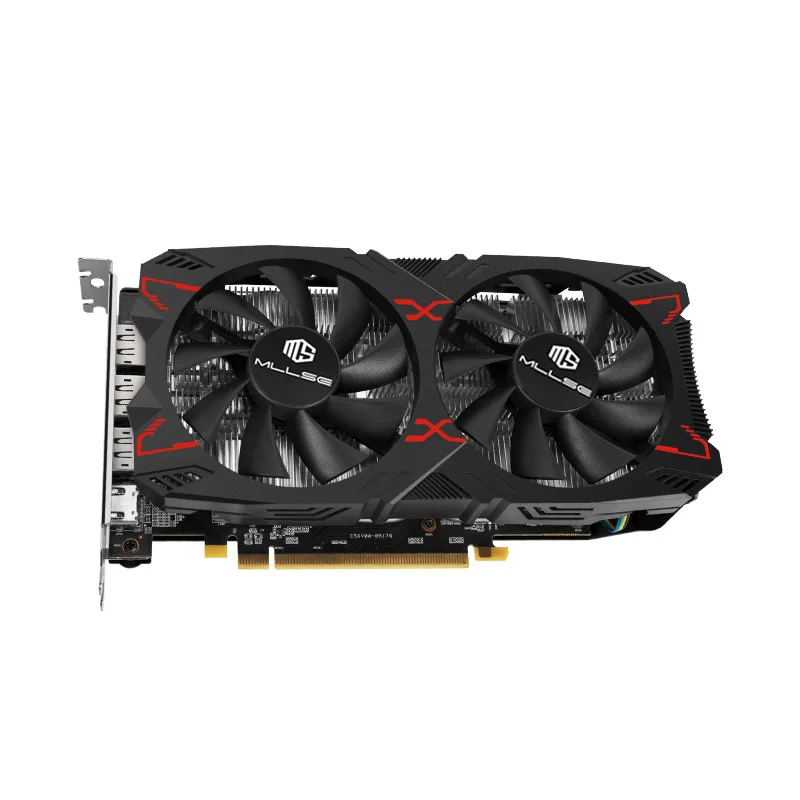
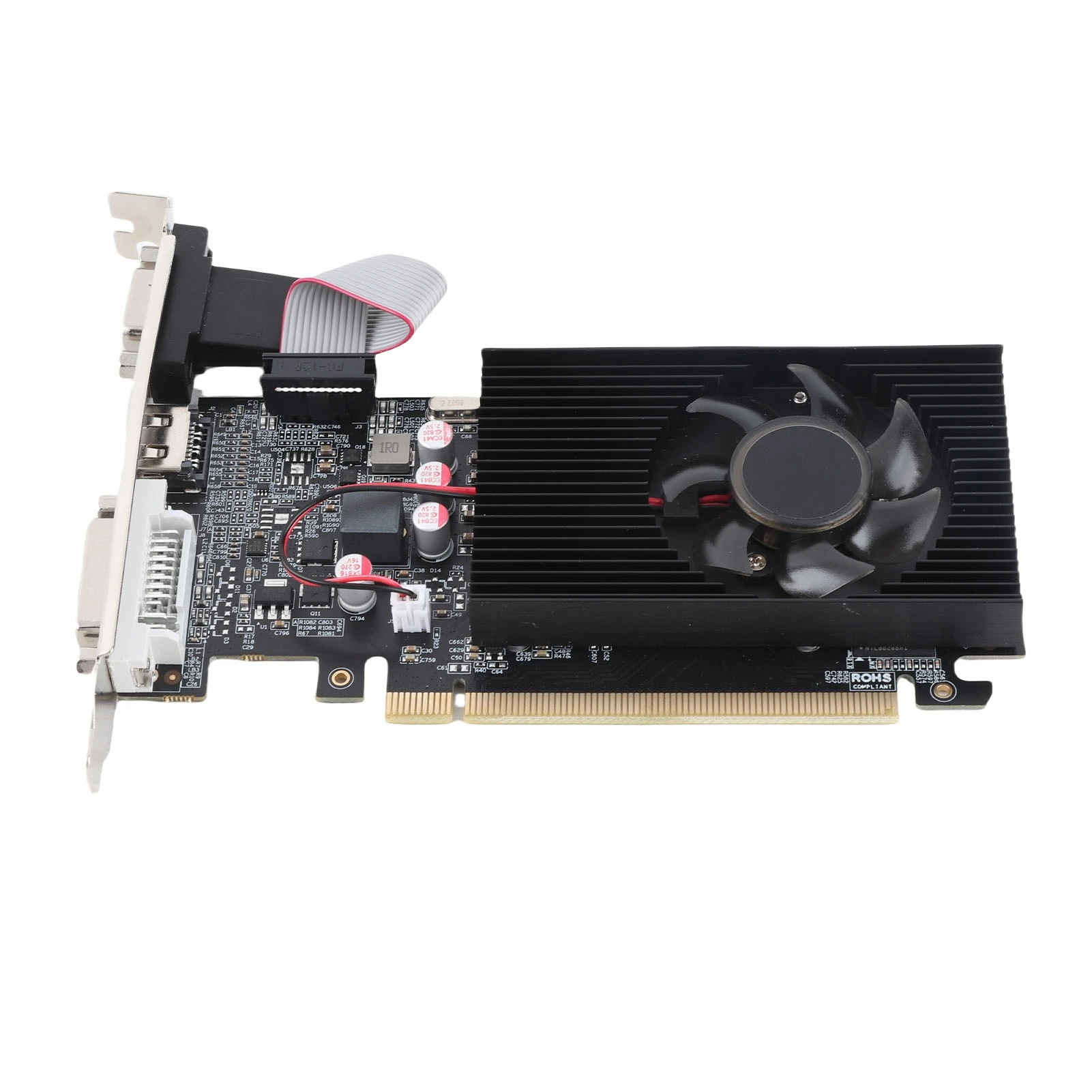
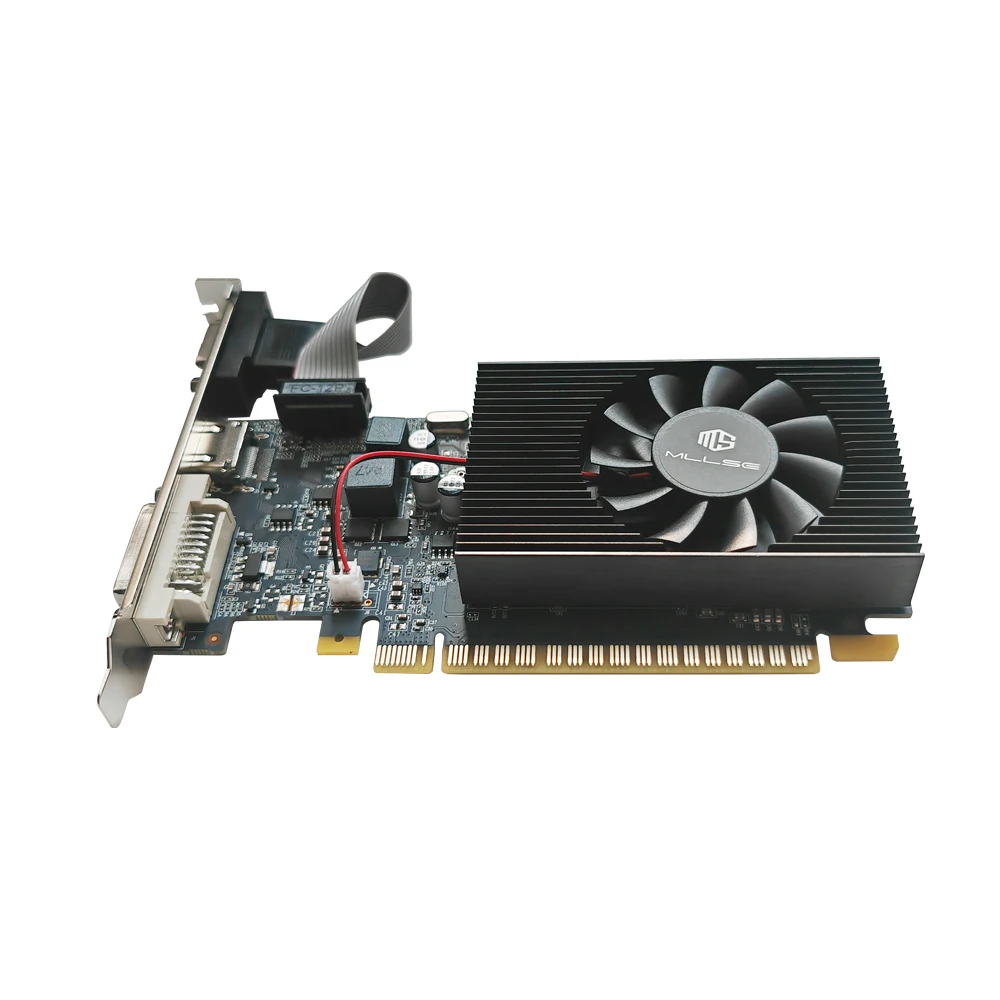
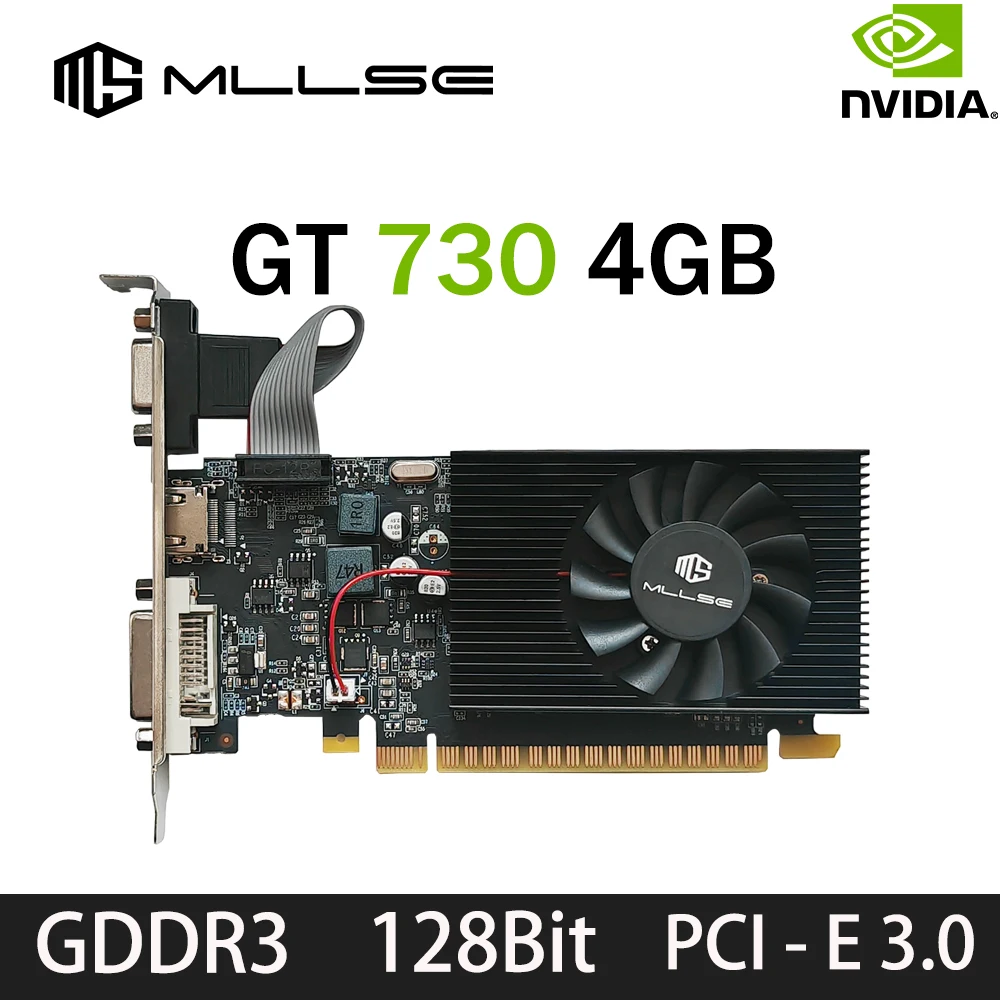
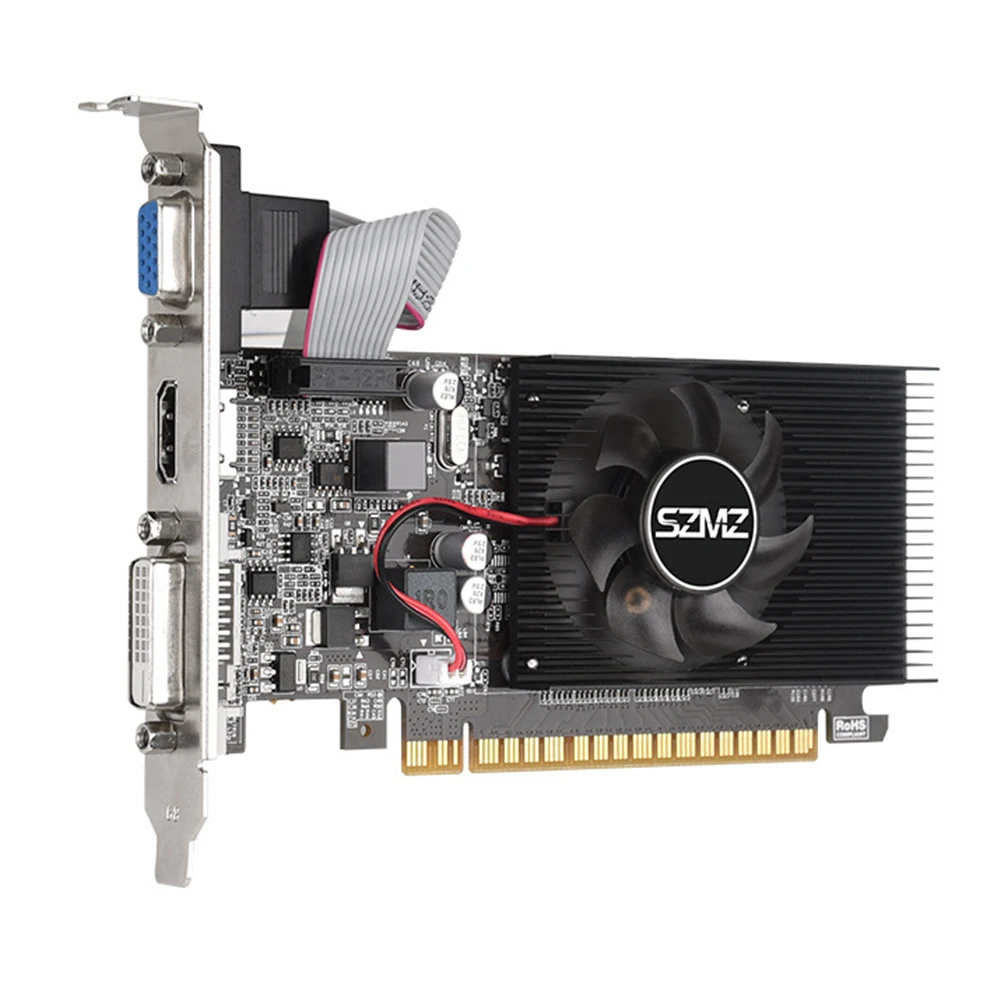
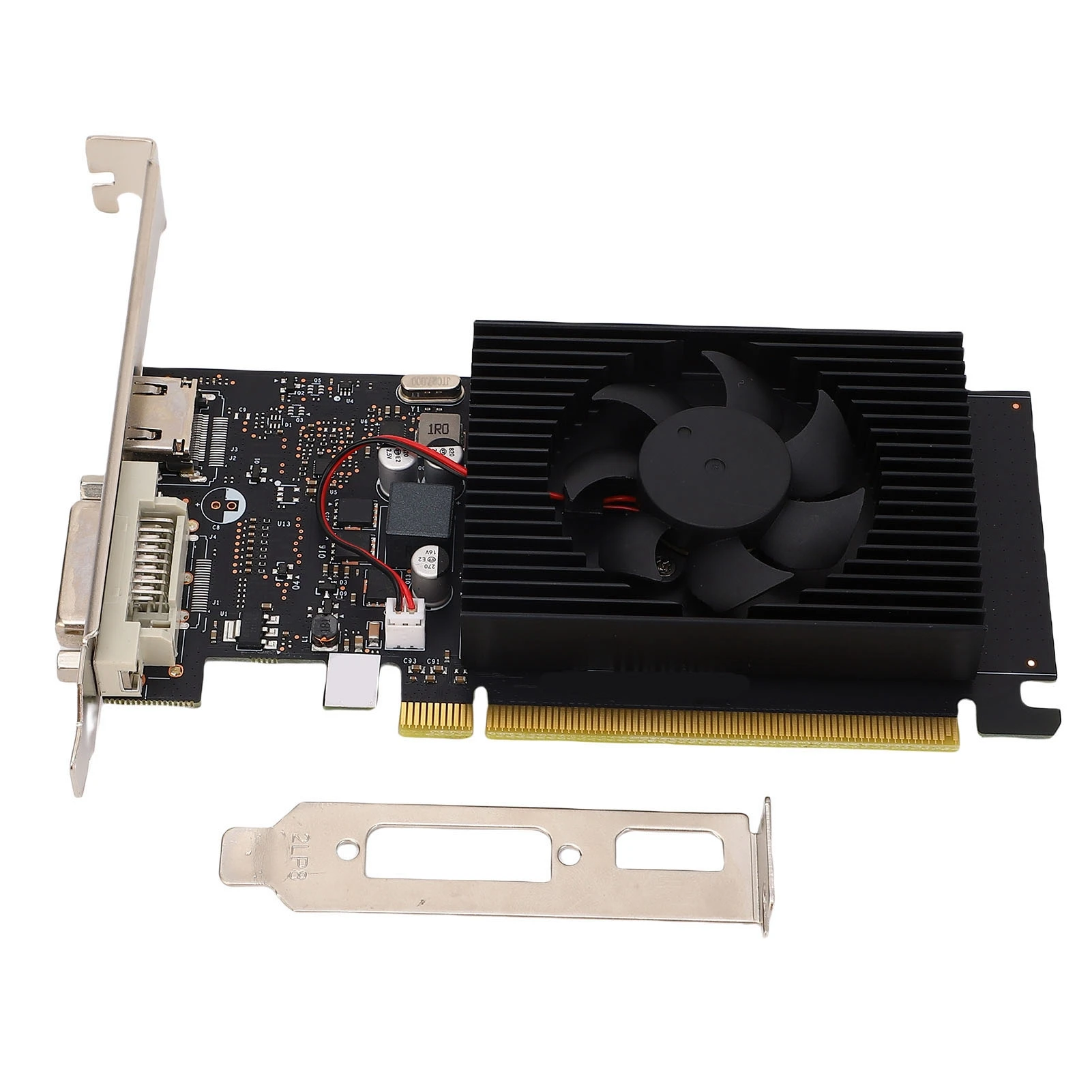
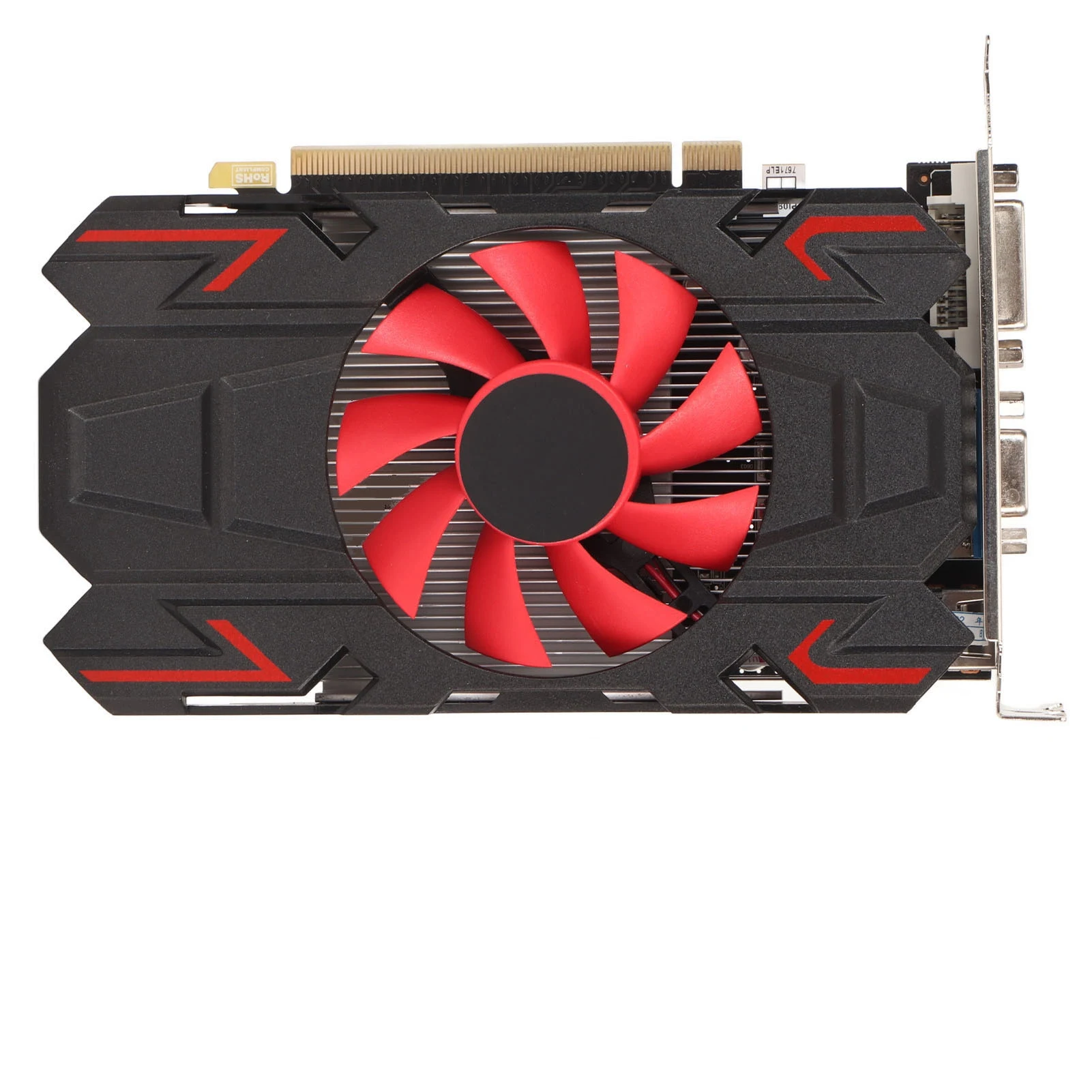
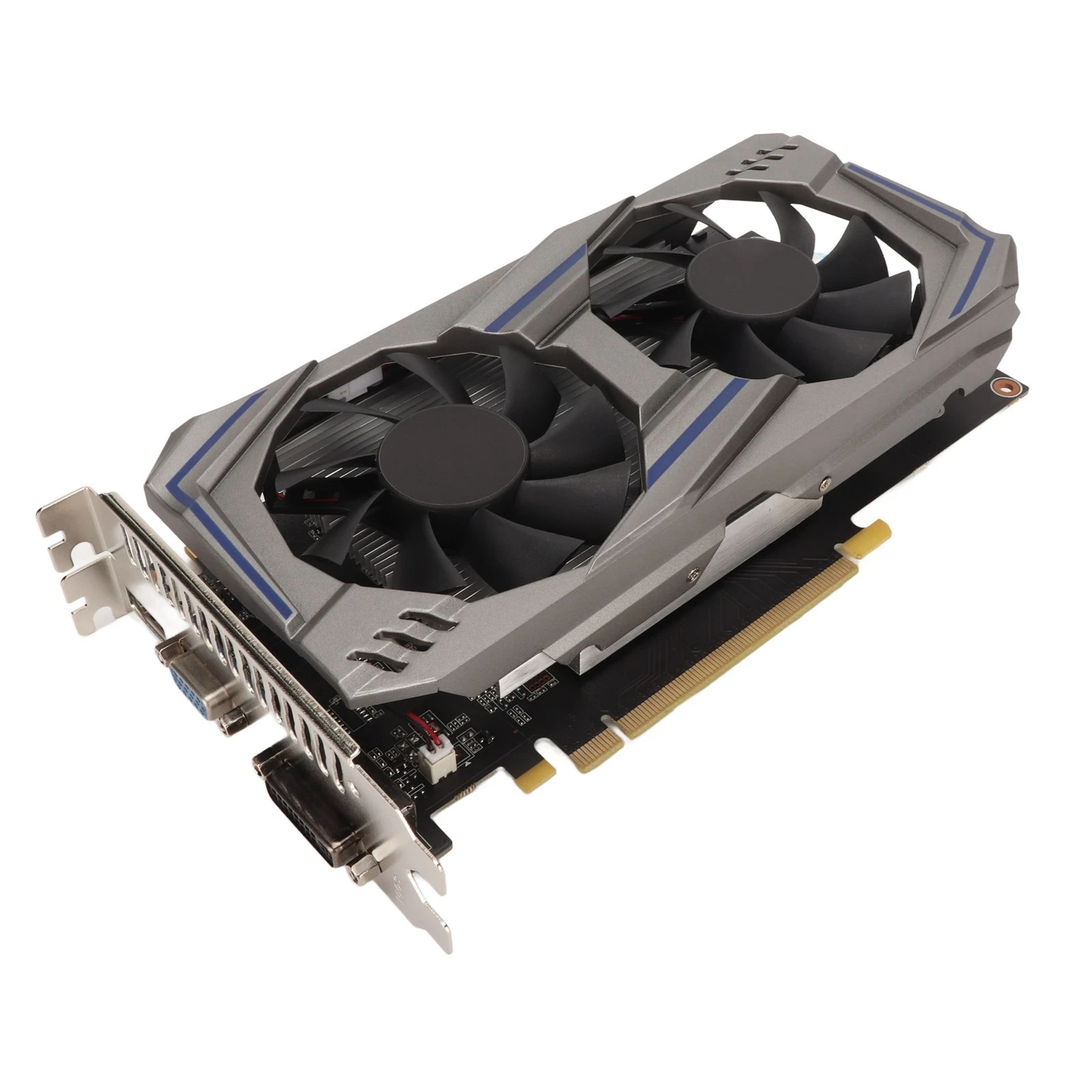
GT1030 Gaming Graphics Card 4G DDR4 64 Bit 2100MHz PCI Express 3.0×4 DVI D Computer Video Card with Cooling Fan for Win 7 8 10
$16.73
$20.41
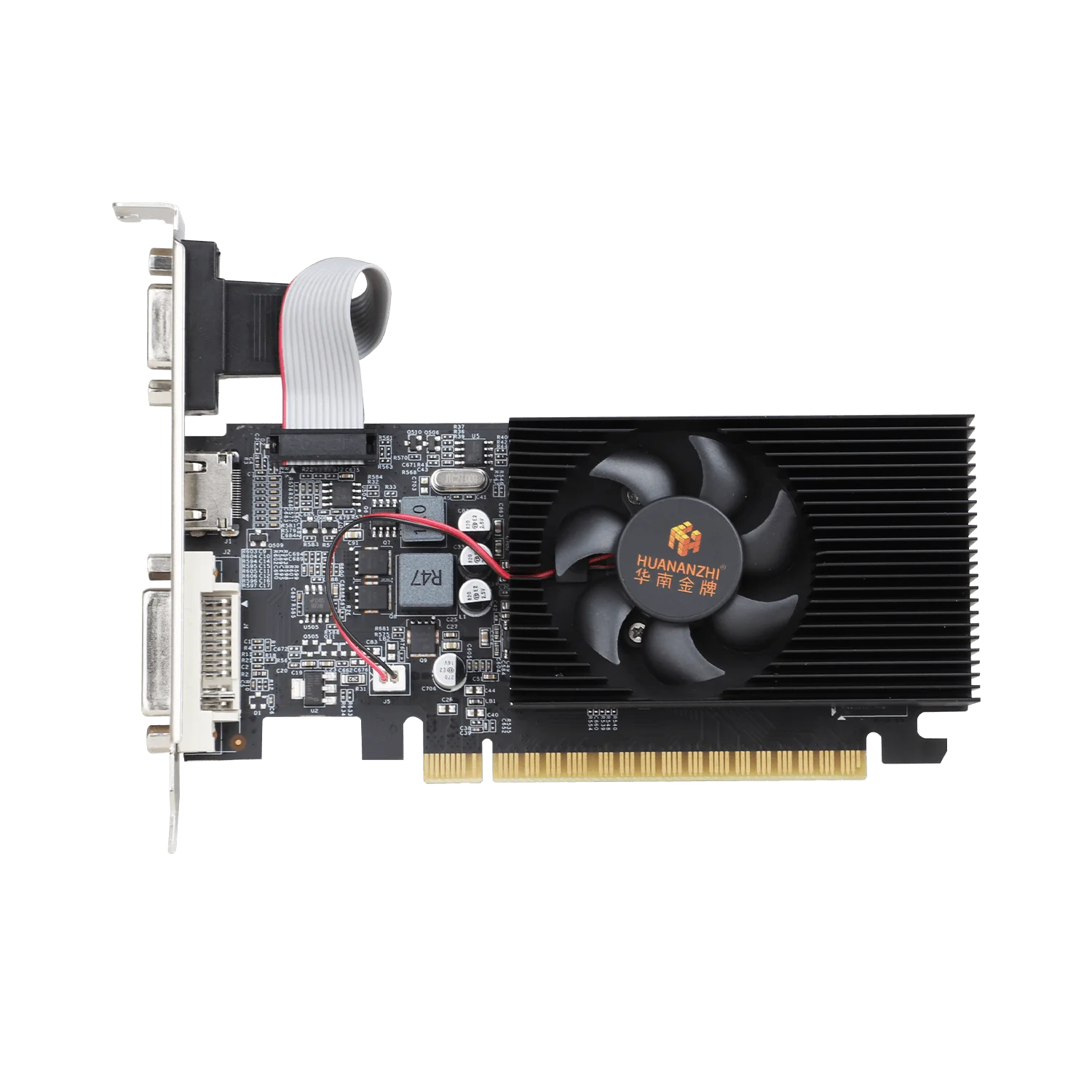
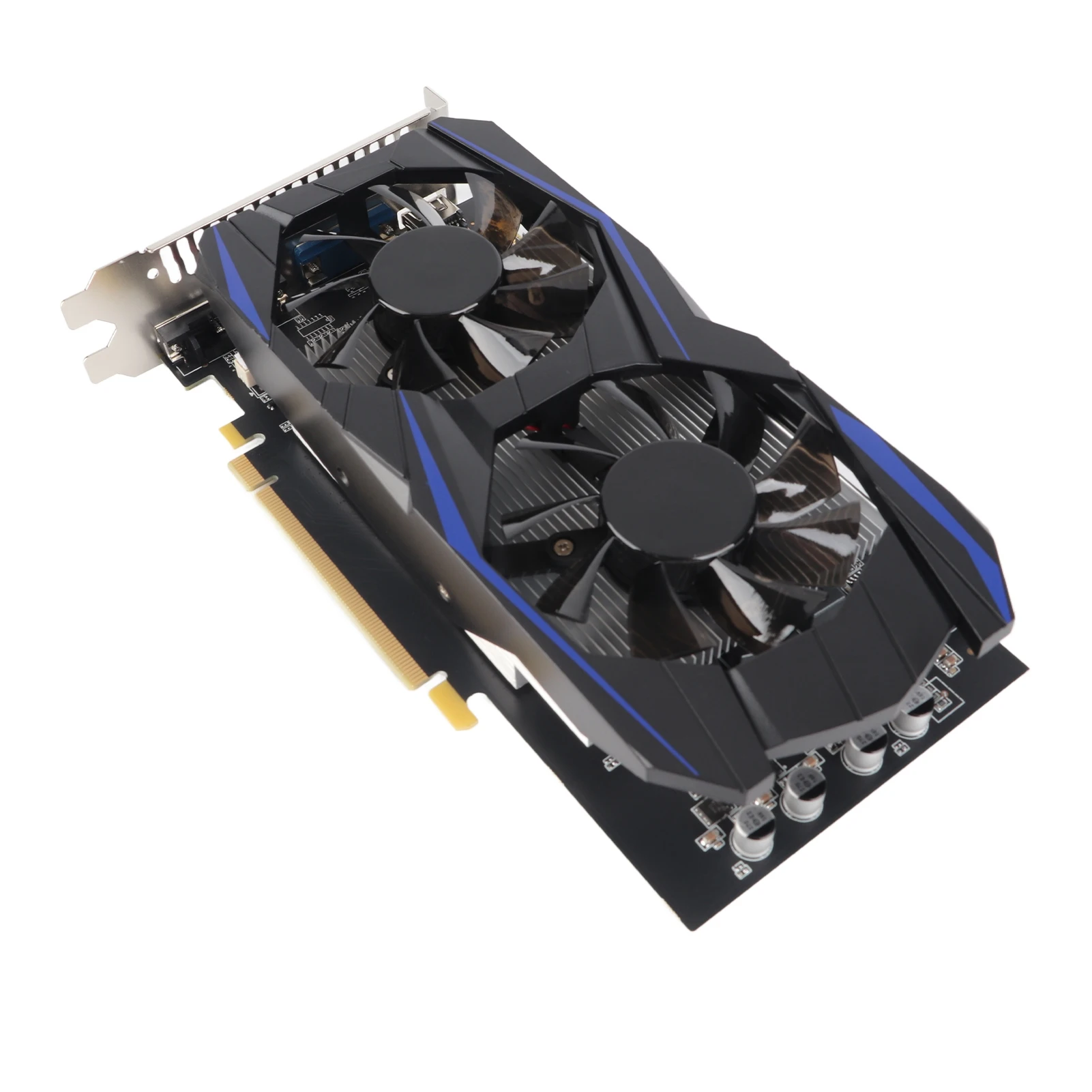
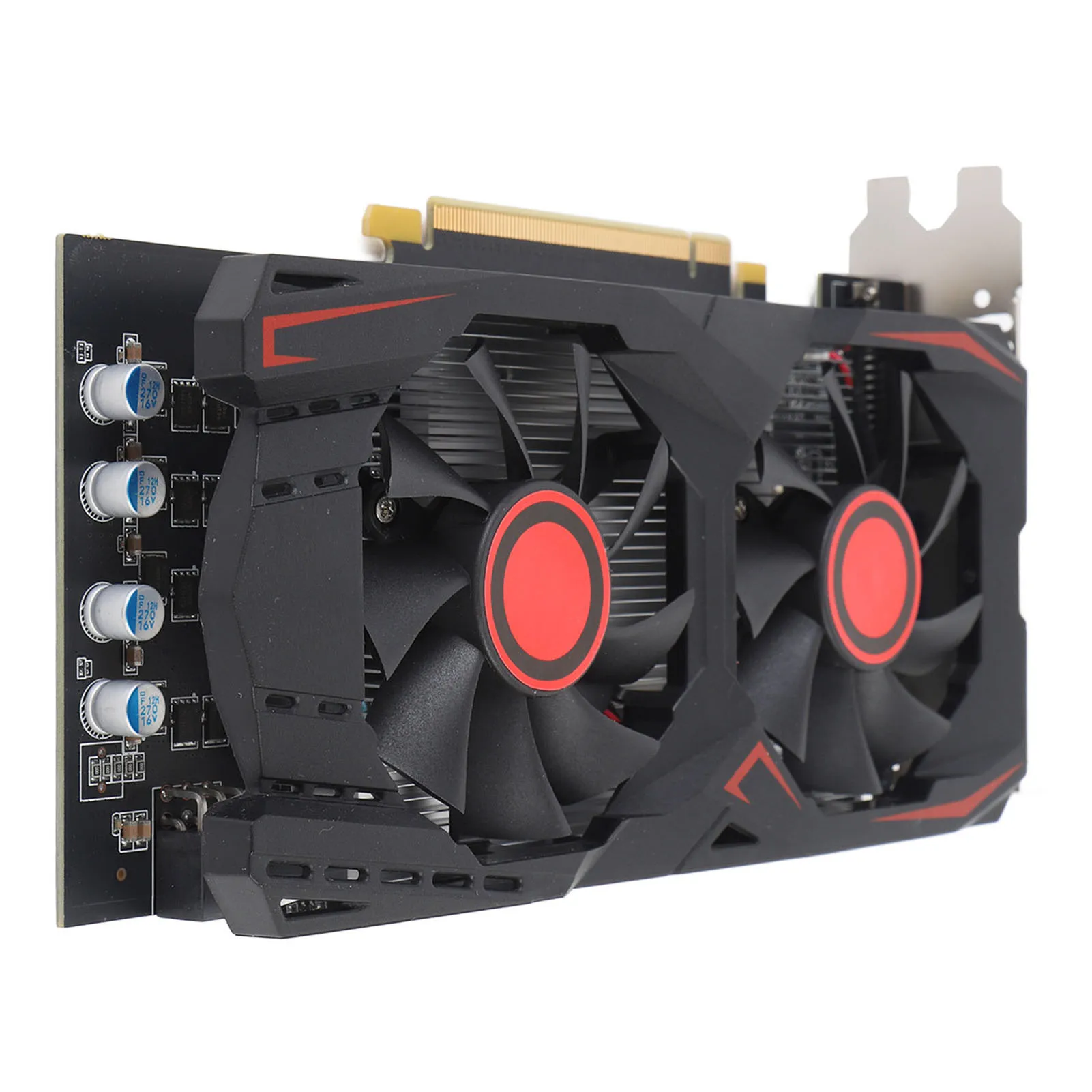
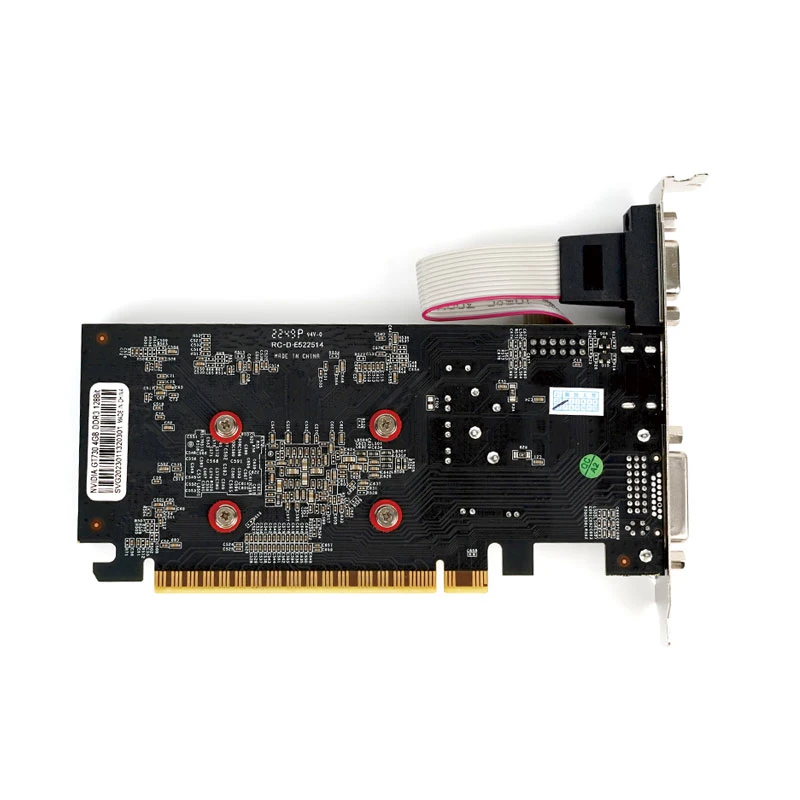
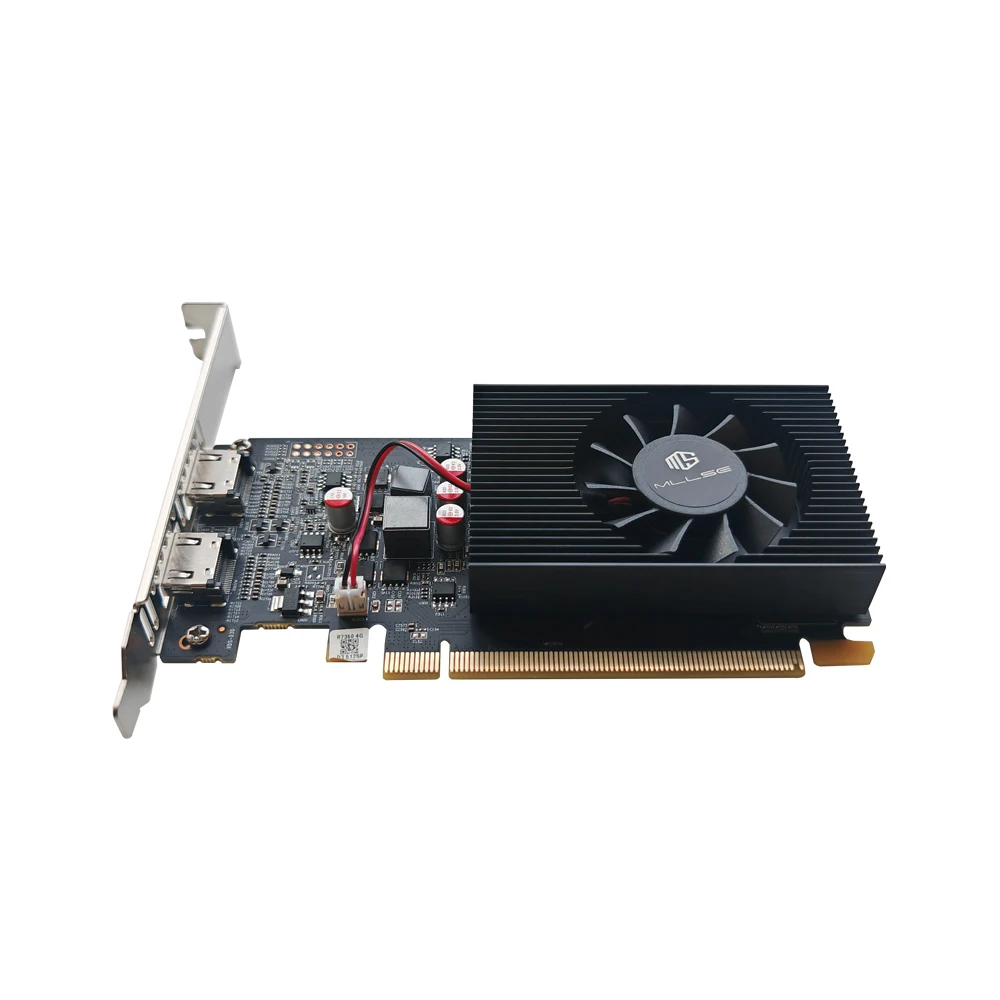
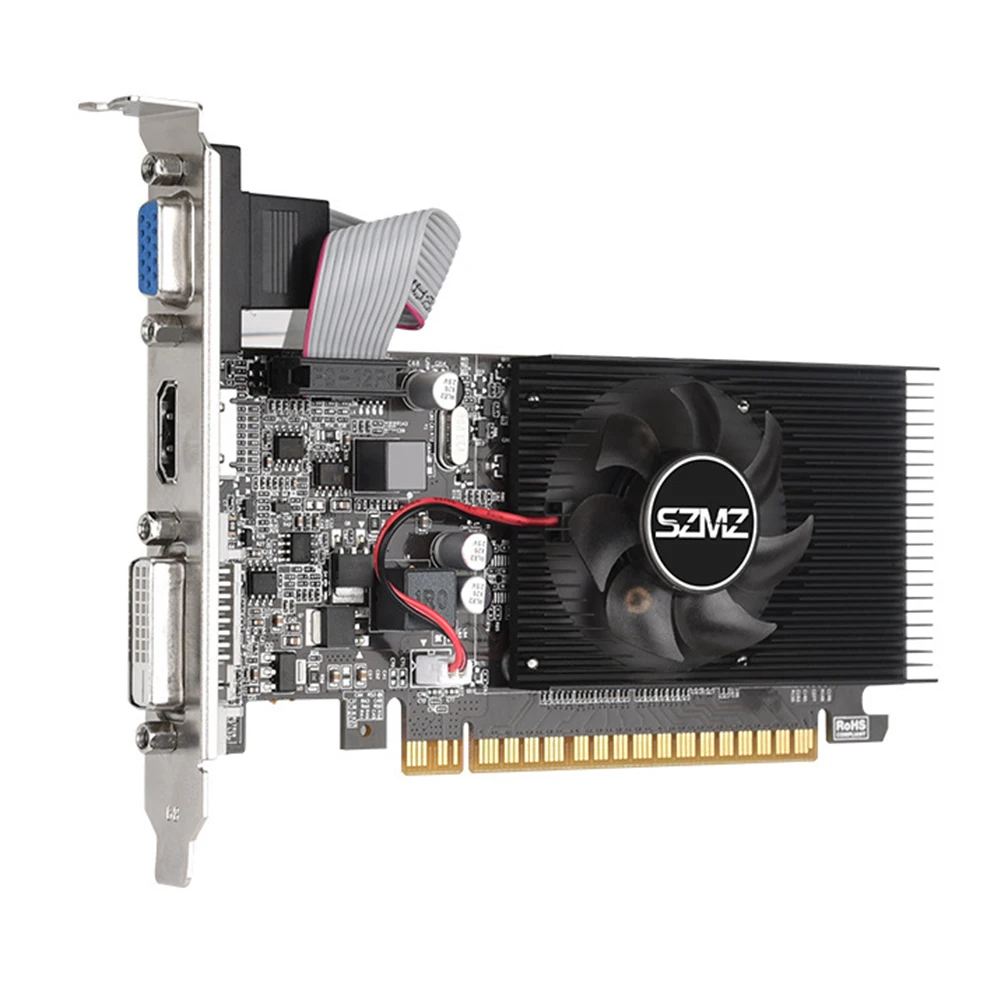
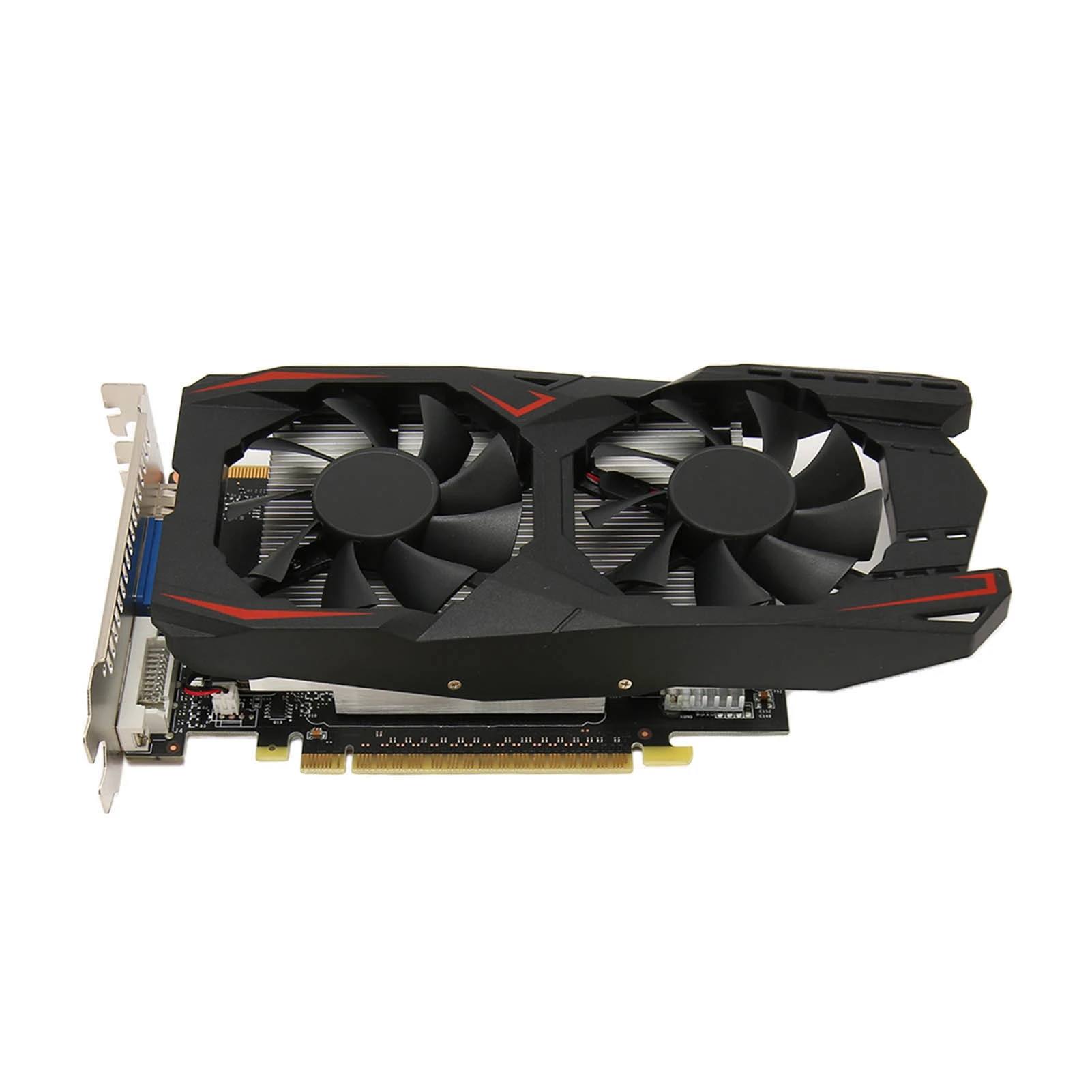
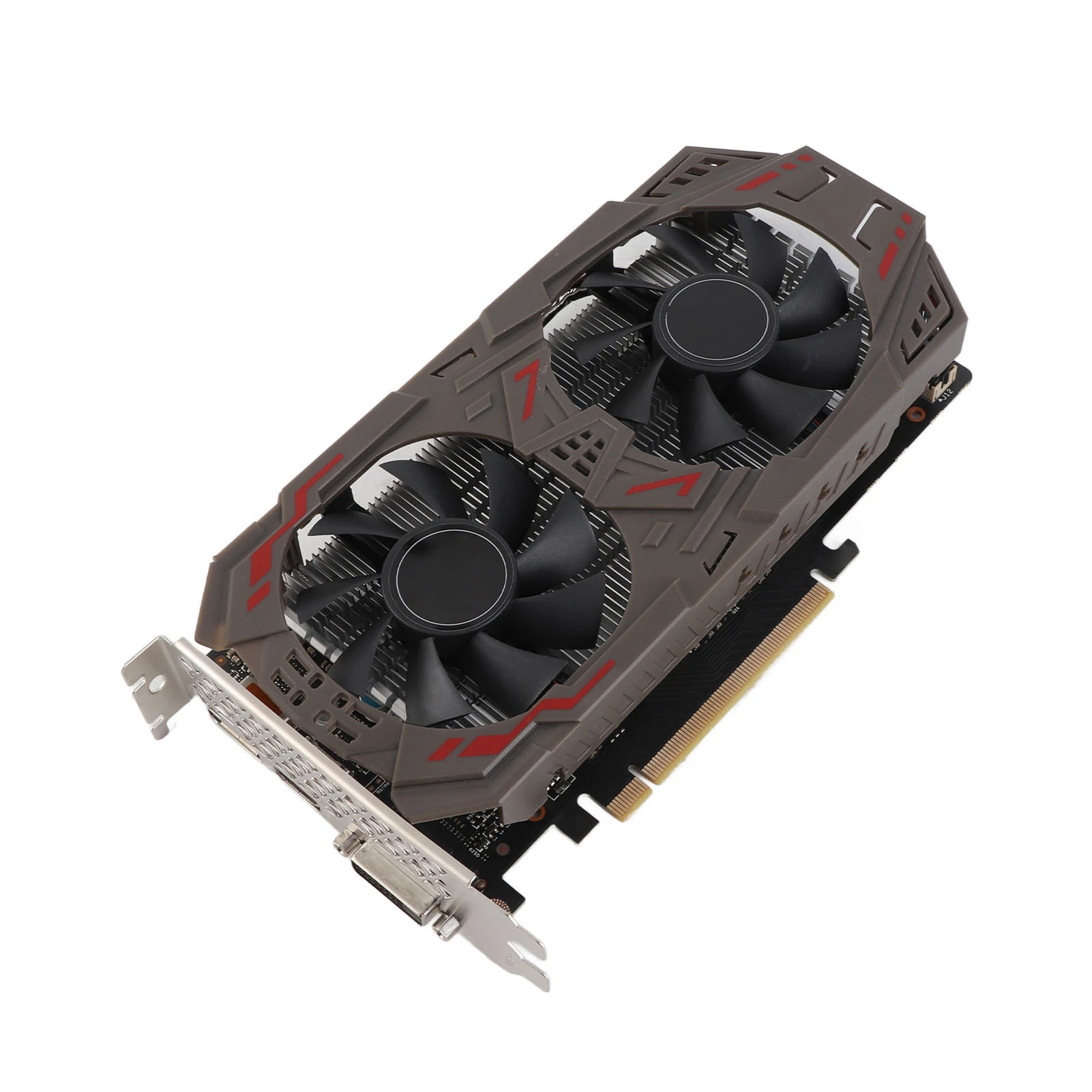
Description GT1030 Gaming Graphics Card 4G DDR4 64 Bit 2100MHz PCI Express 3.0×4 DVI D Computer Video Card with Cooling Fan for Win 7 8 10 Specification: Item Type: Graphics CardMaterial: PCB, AluminumModel: GT1030 4G D4Core Code and Manufacturing Process: GP108 14nmUnified Shaders: 384Core Frequency: 1152 to 1380MHzMemory Frequency: 2100MHzMemory Capacity and Specification: 4G, 64 Bit, DDR43D Features: for DirectX 12, for GPU Boost 3.0, for OpenGL 4.6OS Features: for Win 7, 8, 10Cooler: Factory OriginalCrossfire/SLI Support: NoMaximum Resolution: HD Multimedia Interface 2.0b, Maximum Support 3840×2160Fan Specification: 2 Pin, Non Adjustable Speed, No Speed Percentage DisplayBus Interface: PCI Express 3.0 x 4Output Interface: DVI D, HD Multimedia InterfacePower Design: 1 Phase CircuitExternal Power Supply: NoneDriver Installation: 1. The installation of the graphics card driver should be done after the hardware installation of the graphics card is completed and the computer is booted up for the first time. 2. After the system boots up, go to the official website and click into the Product Center.3. Check the model number on the box or the product nameplate on the back of the card. 4. Please enter the corresponding product page according to the specific model of your graphics card, click “Driver Download”, and download the corresponding driver according to the version of the operating system you have installed. 5. After the driver download is completed, double click the file to start the installation, please follow the instructions of the installation wizard to install. After the installation is complete, please restart the computer. How to Use: Product Installation:1. Turn off the power and unplug all connections; open the computer case. 2. If there are other display cards installed on the motherboard, please remove them first, then insert the new display card into the PCI Express slot provided on the motherboard. 3. If the graphics card comes with additional power input interfaces, locate the corresponding plugs on the main power supply, and connect them to the graphics card using the provided adapter plugs to ensure sufficient power supply to the graphics card. 4. Tighten the fixing screws on the graphics card bracket to ensure the graphics card is securely fixed. 5. Close the case, reconnect all peripheral device connections, and then plug the display connector into the corresponding interface on the graphics card. 6. If you need to use the TV OUT, HD multimedia interface, DisplayPort or other interfaces of a TV or display device, please make sure the graphics card has the corresponding interfaces, and then directly use the appropriate cables to connect the display device and the graphics card. Package List: 1 x Graphics Card1 x Half Height Bracket